Gameplay guide
Source reference: version 0.5.0, commit 05eec6f. This is not a statement of the version currently on Google Play.
Documentation · Run locally · Platform support
invade.io is an offline, single-player territory strategy game. You control bases on maps drawn from real-world geography, recruit troops, and decide where to concentrate your forces. Gold and cosmetic rewards are earned by playing; there are no ads or in-app purchases.
This guide describes the current source. Store versions may differ; see project status.
Controls and battle goals
Section titled “Controls and battle goals”| Action | How it works |
|---|---|
| Send troops | Drag from a friendly base to another base and release. An order leaves one troop behind. |
| Combine forces | Drag through several friendly bases before releasing over the target. |
| Reinforce | Send troops to another friendly base. |
| Retreat | Start a swipe outside a friendly base and cut across one of your marching routes. |
| Inspect a base | Tap it to show its troops, capacity, production, and special properties. |
| Pause or adjust | Use the pause button for settings, help, and alternate battle controls. |
On desktop, mouse dragging emulates touch. The pause menu’s alternate controls let you select bases, send or recall troops, center the map, and adjust zoom without relying on drag gestures.
Troops leave in successive packets, not all at once. Units still waiting to leave are lost if their source falls; a retreat returns those waiting units to the garrison. Opposing columns can fight en route. The target preview estimates the defense on arrival, but cannot predict every collision or ownership change.
Normally, victory requires eliminating all enemy bases and marching troops; neutral bases do not all need to be captured. Some daily challenges also offer a hold-the-objective victory, explained before and during the battle. You lose when you have neither bases nor troops left.
Stars and medals
Section titled “Stars and medals”A victory earns one to three stars according to its simulation time. The briefing and HUD show the three-star target; a victory within 1.5 times that target earns two stars. Winning a campaign level without losing a base earns its mastery medal.
Game speed affects both sides. Records use simulation seconds, not wall-clock time, and daily result cards include the speed and balance version. Do not treat them as verified online rankings.
Four ways to conquer
Section titled “Four ways to conquer”| Mode | Structure | Progression |
|---|---|---|
| Campaign | 30 levels across six continents; every fifth level has a boss | Unlock the next level, earn up to 90 campaign stars, and open regional invasions |
| Invasions | 36 regions, each with three sequential fronts | Finish a continent’s campaign to unlock its regions; invasion stars are separate from campaign stars |
| Free conquest | Deterministically generated, five-region expeditions | Progress between regions is saved; each fifth region ends with a boss and double gold |
| Daily challenge | A locally generated map with rotating rules for the local calendar day | No combat upgrades; improve your personal record and copy a result card to share |
Daily challenges do not require a server and are not matches against other players. Some rotate capital, factory, or fortress holding objectives. Their records are compared only within the applicable balance version.
Invasions award gold for regional completion and an additional mastery reward for earning three stars on all three fronts. Completing every region of a continent unlocks its invasion army color.
Bases and continent rules
Section titled “Bases and continent rules”Regular owned bases produce troops until full; neutral bases do not recruit. Factories recruit faster but are easier to capture. Fortresses recruit slowly and absorb more attacking force. Bosses receive periodic reinforcements while held by their original enemy; their briefing states the amount and interval.
The first three campaign levels introduce the controls. Later campaign levels use the continent’s rule:
| Continent | Tactical rule |
|---|---|
| Europe | A marked capital provides 50% more production to its owner |
| North America | Neutral factories offer a recruitment advantage |
| South America | Jungle slows all marching troops by 20% |
| Africa | A marked oasis provides 75% more production |
| Asia | A neutral fortress guards the frontier |
| Oceania | Both player and AI must use the connected sea routes |
Expeditions and daily challenges rotate these rules. Invasions apply the rule of their region, which may differ from its continent. For definitions and balance, see CampaignRules and LevelDatabase.
Your army and collection
Section titled “Your army and collection”The main menu has five sections: Play, Invasions, Challenges, Army, and Progress. Gold dots identify available rewards or an affordable combat upgrade; rewards are claimed explicitly rather than through entry pop-ups.
- Upgrades improve starting garrison, recruitment, march speed, or gold rewards. Buying upgrades does not make the enemies scale with your purchases. Combat upgrades are disabled in daily challenges.
- Cosmetics change army colors, troop styles, base shapes, and map themes, not combat strength. Unlock them with earned gold, player ranks, or continent milestones.
- Challenges contains the daily reward, a streak that forgives one missed day, the daily challenge, and three daily missions with gold/XP rewards.
- Progress contains ranks, medals, invasion progress, the city atlas, continent collections, and 20 achievements. Player rank itself does not change combat strength.
- The atlas records cities you control when winning, in any mode. Continent collection rewards cover campaign cities, not every city in the geographic database. Replaying a cleared campaign level pays less unless you improve stars.
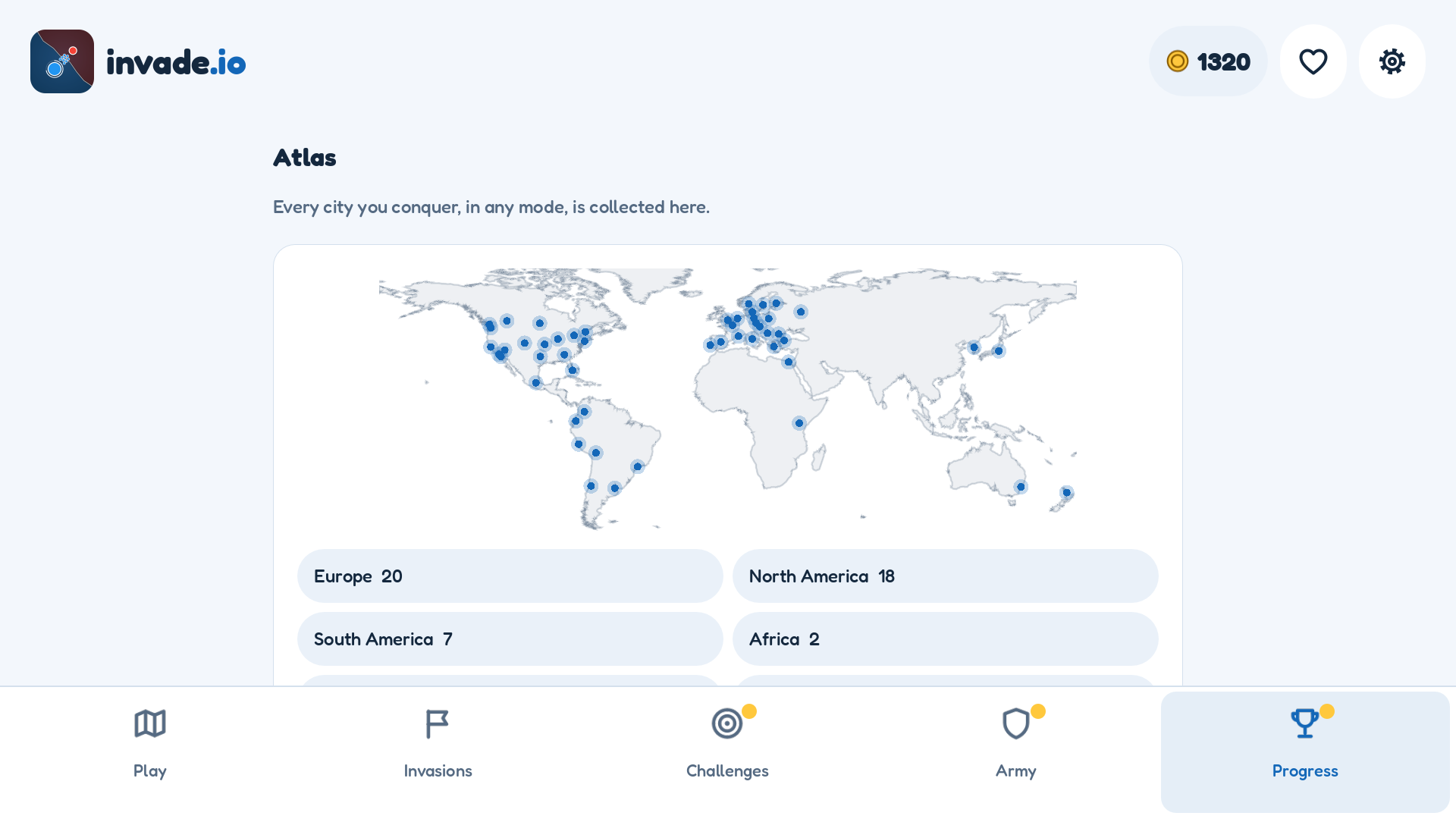
A generated landscape capture with representative mid-game progress, not the starting state of a new installation.
Language and accessibility settings
Section titled “Language and accessibility settings”Settings includes 15 interface languages: English, Spanish, Brazilian Portuguese, French, German, Italian, Russian, Turkish, Arabic, Hindi, Indonesian, Vietnamese, Simplified Chinese, Japanese, and Korean. New games follow the device language where supported; a saved language choice takes precedence. Arabic uses RTL interface layout, but geographic maps and the brand are not mirrored.
You can change light/dark appearance, text size, a color-blind palette, reduced motion, map contrast, game speed, sound/music volumes, and haptic feedback. The interface theme and equipped map theme are separate choices.
These settings are not a claim of full mobile screen-reader compatibility. See the platform accessibility limitation.
Saves, backups, and interruptions
Section titled “Saves, backups, and interruptions”Progress is saved automatically on the device. Settings → Data lets you export a JSON backup, restore one after confirmation, retry a failed save, or reset progress. Restore is unavailable during battle. Importing replaces local progress and preserves the previous state in a backup; privacy choices are kept.
Leaving the app saves progress, suspends audio, and pauses battle until you choose to resume. Closing the process does not preserve an unfinished battle. Uninstalling or changing installation identifiers can remove access to local progress: export a backup first. There is no cloud recovery.
Offline play and privacy
Section titled “Offline play and privacy”All game modes work offline. Optional analytics and crash reporting use network access when enabled; they are enabled by default in the current source, with independent controls in Settings → Privacy. Existing choices are respected. Offline gameplay does not mean that no data can be sent when connected. Read Telemetry and privacy and the public privacy policy.